メインコンテンツへ移動
Gender Swap AI
アカウントとクレジット

おなじみのAIキャラクターに、新しい物語を

AIキャラクター生成

おなじみのAIキャラクターを新しい場面へ。GPTちゃん、Claudeちゃんなど好きなキャラクターの参考画像を使い、新しい表情や動作、シーンを指定しましょう。

テキストだけでも生成できます。参考画像と画風は任意です。生成前に画像モデルと消費クレジットを確認できます。

下のキャラクター参考画像とシーンを読み込むか、自分のアイデアを書いてください。プロンプトは編集できます。

3. スタイル (任意)

画像付きのスタイルプリセットを選べます。独自のスタイルの詳細は「プロンプト」に入力してください。

生成結果
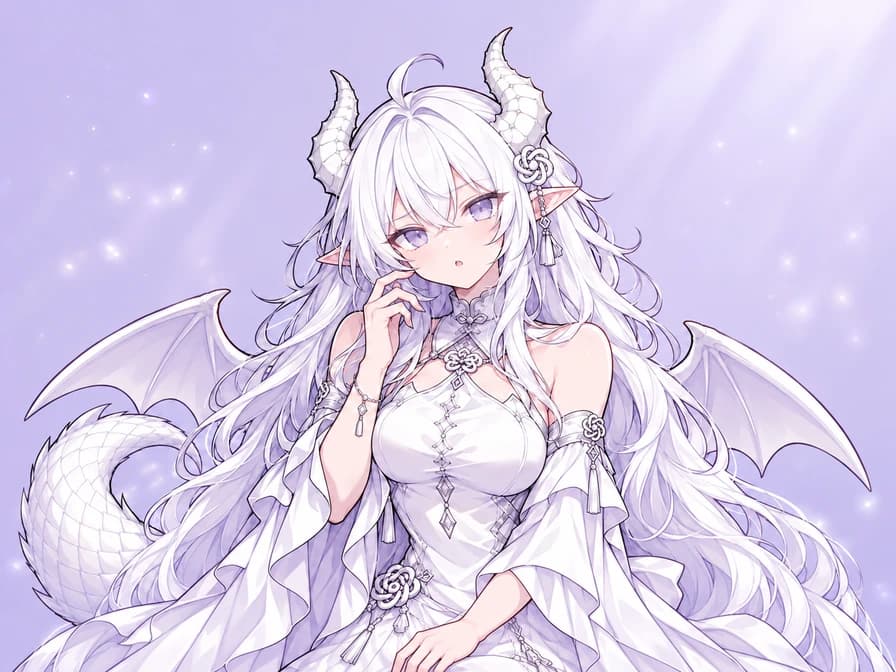
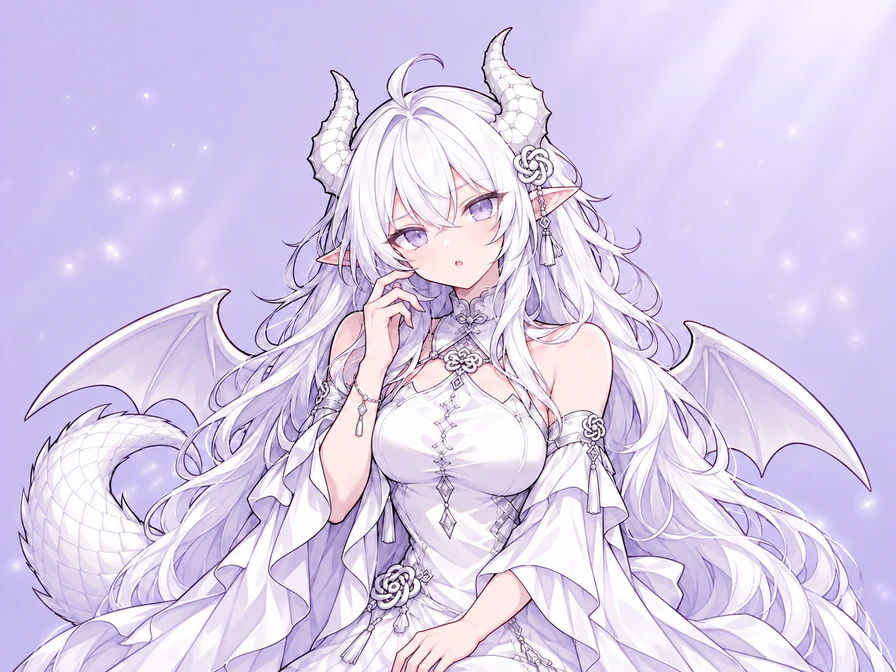
白髪と白い竜の角を持つGPTちゃんが、頬に手を添えて困惑している

GPTちゃん:ちょっと考え中

参考画像の竜のキャラクターを、困惑した表情に。参考画像とプロンプトを読み込み、好きな反応に変えてみましょう。

知っているキャラクターに、見たかったワンシーンを

参考画像を使った3つの場面と、オリジナルのファン作例3点。おなじみの姿を保つことも、別のデザインを試すこともできます。表情や動作、舞台を変えてみましょう。

キャラクター参考画像 → 新しい一枚

GPTちゃん:え、どういうこと?

白い髪、竜の角、薄紫の衣装を保ち、穏やかなポーズから困惑した表情へ。片眉を上げ、片手を頬のそばに添えます。

完全なプロンプトを見る

Use the attached GPT-chan reference for the same character: long white hair, lavender eyes, white dragon horns, pointed ears, white and lilac dress, knot ornaments, dragon wings and tail. Create a confused upper-body reaction with one raised eyebrow, a small open mouth and one hand near her cheek. Keep the face, outfit and signature details recognizable. Clean anime linework and soft cel shading, simple pale lavender background, landscape 4:3 framing with space around the horns and hand. One character, no text or watermark.

キャラクター参考画像: ZipZipPipe · キャラクターと出典
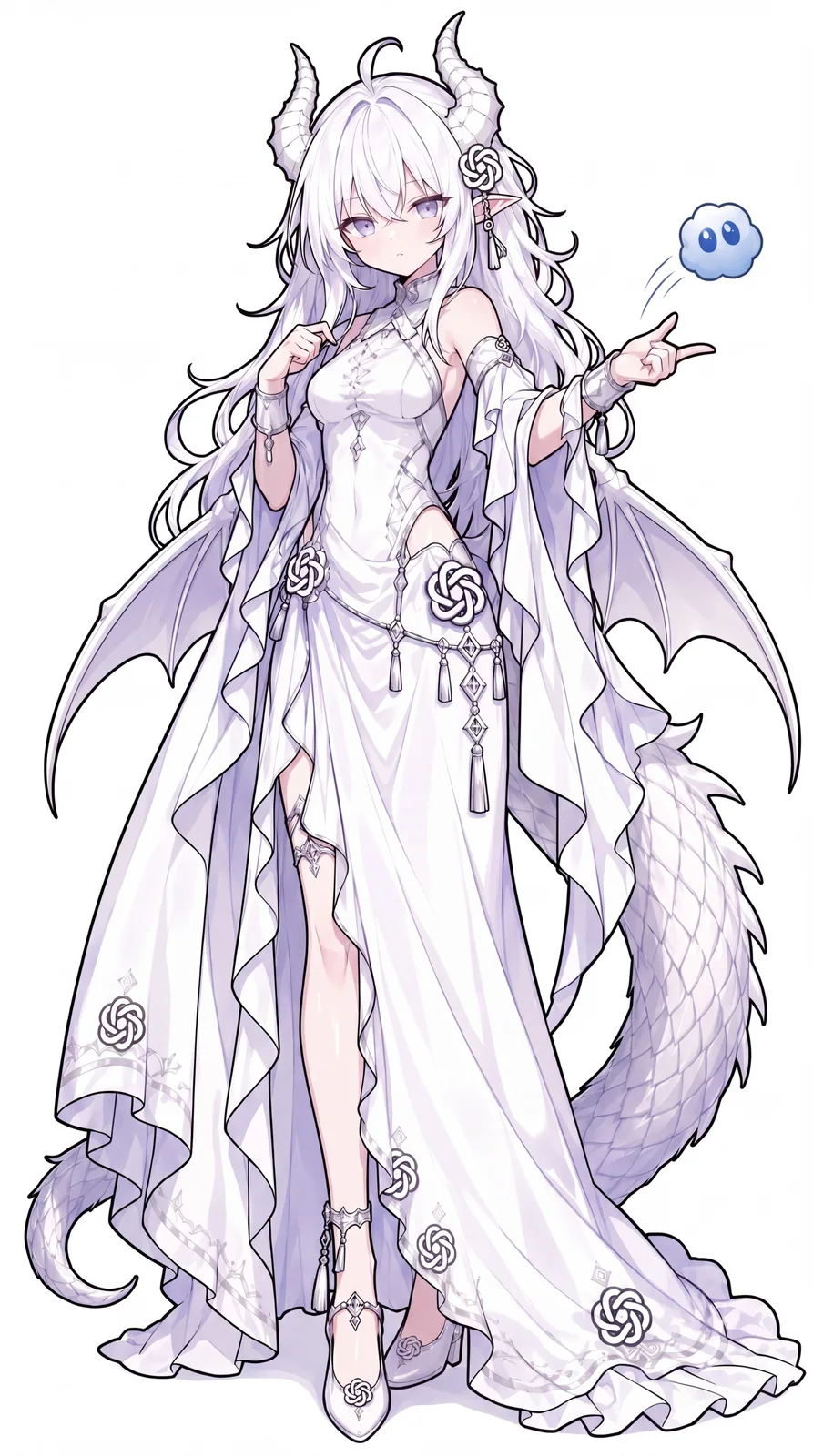
ZipZipPipeによるGPTちゃんの参考画像。長い白髪、竜の角、白と薄紫のドレス
参考画像
白髪と白い竜の角を持つGPTちゃんが、頬に手を添えて困惑している
新しい一枚

キャラクター参考画像 → 新しい一枚

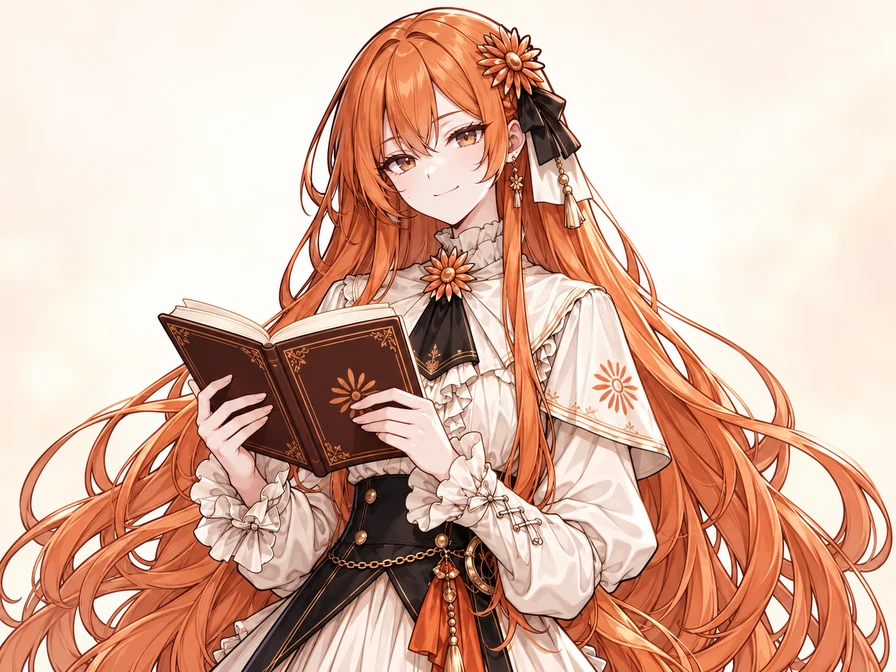
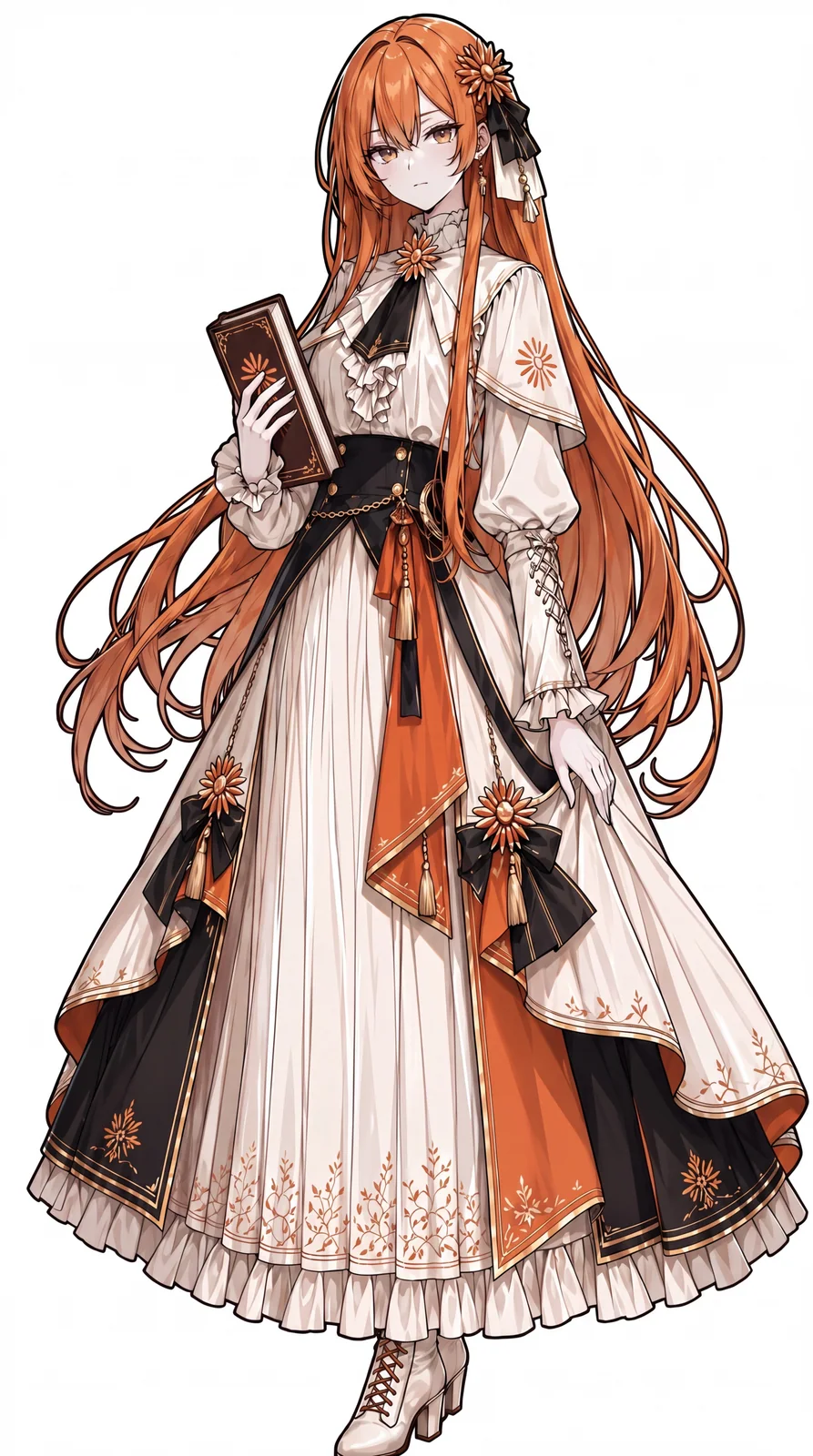
Claudeちゃん:やっと解けた

長いオレンジの髪、花飾り、細やかなドレスはそのままに。難問を解いた後、開いた本を持って満足そうに微笑みます。

完全なプロンプトを見る

Use the attached Claude-chan reference for the same character. Preserve her long copper-orange hair, amber eyes, flower hair ornament, black and ivory ribbons, earrings, ivory ruffled dress, black bodice, orange accents and shoulder cape. Give her a small satisfied smile after solving a difficult question, holding an open book at chest height. Keep her face and outfit recognizable; do not add glasses or shorten her hair. Fine anime linework, soft cel shading, simple warm ivory background, landscape 4:3 upper-body composition with room around her head and hands. One character, no readable text or watermark.

キャラクター参考画像: ZipZipPipe · キャラクターと出典
ZipZipPipeによるClaudeちゃんの参考画像。長いオレンジの髪、花飾り、アイボリーとオレンジのドレス
参考画像
長いオレンジの髪と花飾りのClaudeちゃんが、開いた本を持って微笑む
新しい一枚

キャラクター参考画像 → 新しい一枚

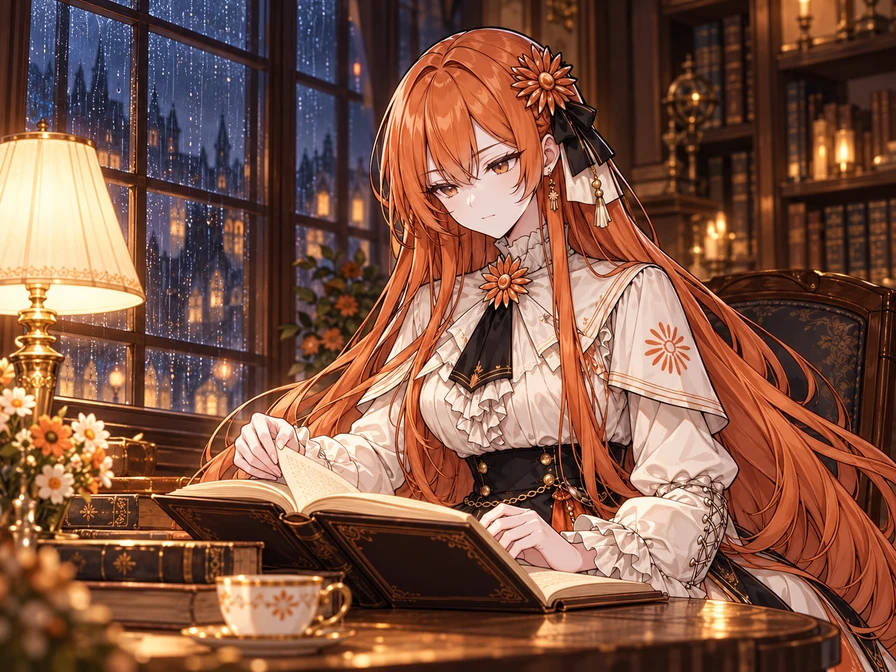
Claudeちゃん、雨の夜の図書館で

立ち絵から物語の中へ。雨の降る窓辺、開いた本と暖かな読書灯。顔や髪飾り、衣装を保ちながら、新しい場所を具体的に指定します。

完全なプロンプトを見る

Use the attached Claude-chan image as the character reference. Keep her long copper-orange hair, amber eyes, orange flower hair ornament with black and ivory ribbons, earrings, ivory ruffled dress, black bodice, orange and gold accents, and small shoulder cape. Place her at a wooden table beside a rain-streaked library window at night, quietly reading an open book and turning one page. Warm reading lamp, softly blurred bookshelves and a blue-gray rainy night outside. Preserve her face, outfit and anime linework; do not add glasses or shorten her hair. Landscape 4:3 waist-up story illustration, with the whole head and visible hands inside the frame. One character, no readable text or watermark.

キャラクター参考画像: ZipZipPipe · キャラクターと出典
ZipZipPipeによるClaudeちゃんの参考画像。長いオレンジの髪、花飾り、アイボリーとオレンジのドレス
参考画像
同じオレンジの長髪のClaudeちゃんが、雨の夜の図書館で暖かなランプの下で読書している
新しい一枚

オリジナルのファンデザイン

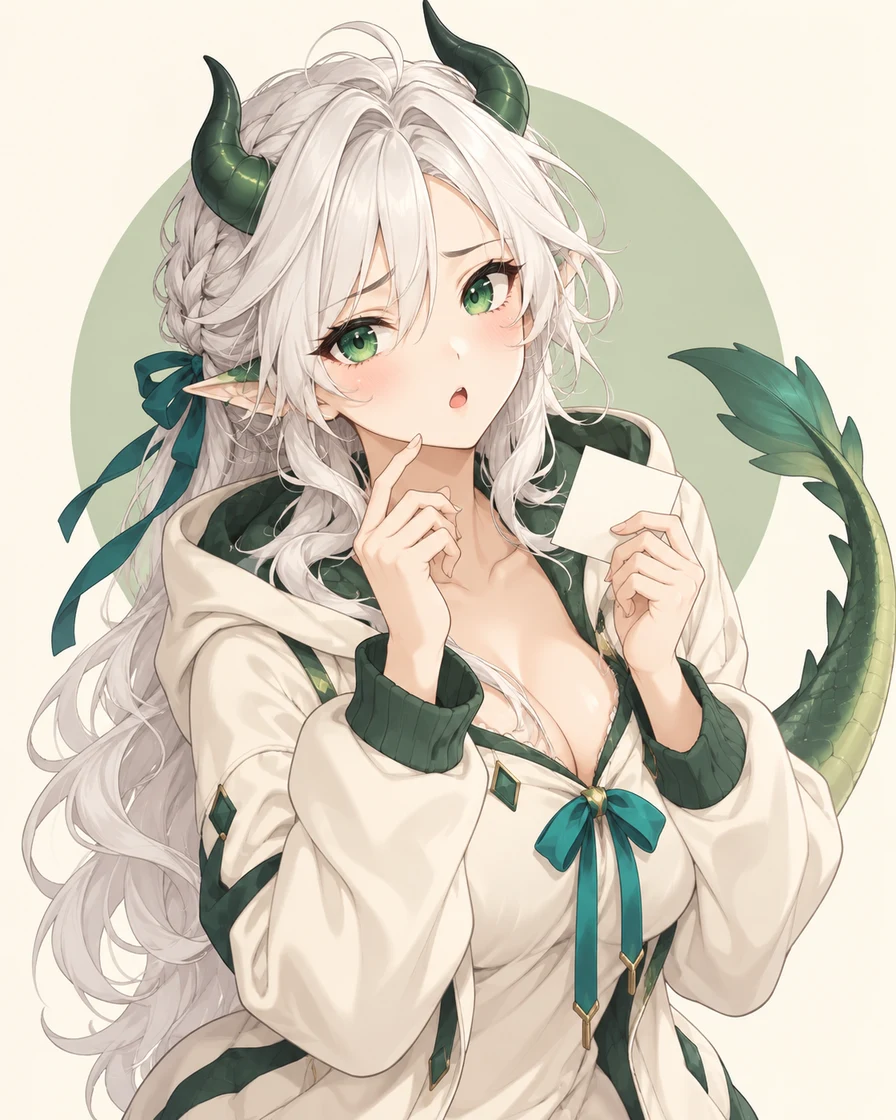
GPTちゃん:戸惑うリアクション

緑の角、青緑のリボン、白いメモが特徴。これらを残して、得意げな笑顔や疲れた表情に変えてみましょう。

完全なプロンプトを見る

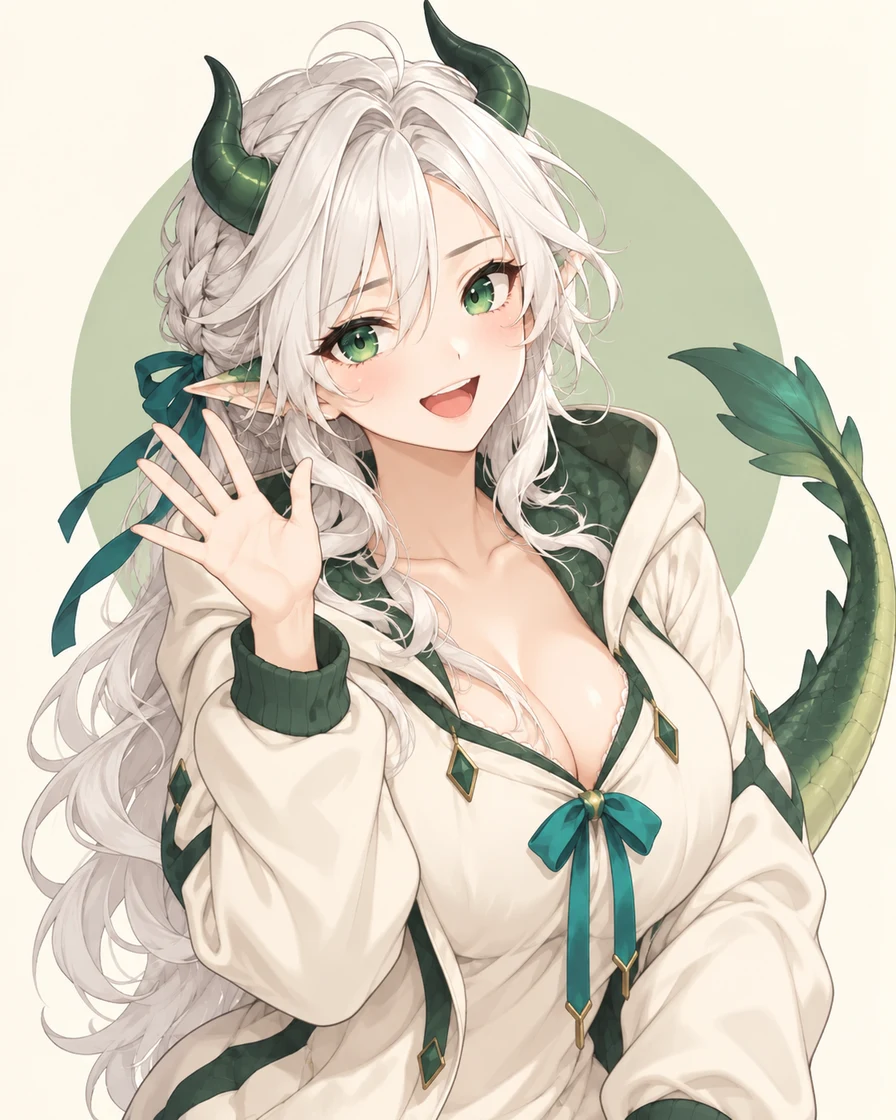
Create one upper-body anime reaction image of a fan-made GPT-chan interpretation: an adult white-haired dragon woman with emerald eyes, small dark-green horns, a cream hoodie with green trim, a teal ribbon and a green dragon tail. She looks confused but endearing, with one raised eyebrow, a small open mouth, one hand near her face and a tiny blank note in the other. Fine manga linework, delicate cel shading, warm ivory background and a soft sage circle. Keep the horns, hands and tail tip inside the image with generous padding. One character, no text, logos or watermark. If I provide a character reference, use its appearance and outfit instead of inventing a different version.

図鑑のキャラクターデザインとは別の、オリジナルのファン表現です。

緑の角と青緑のリボンを身につけ、戸惑う白髪のアニメ風ドラゴン少女

オリジナルのファンデザイン

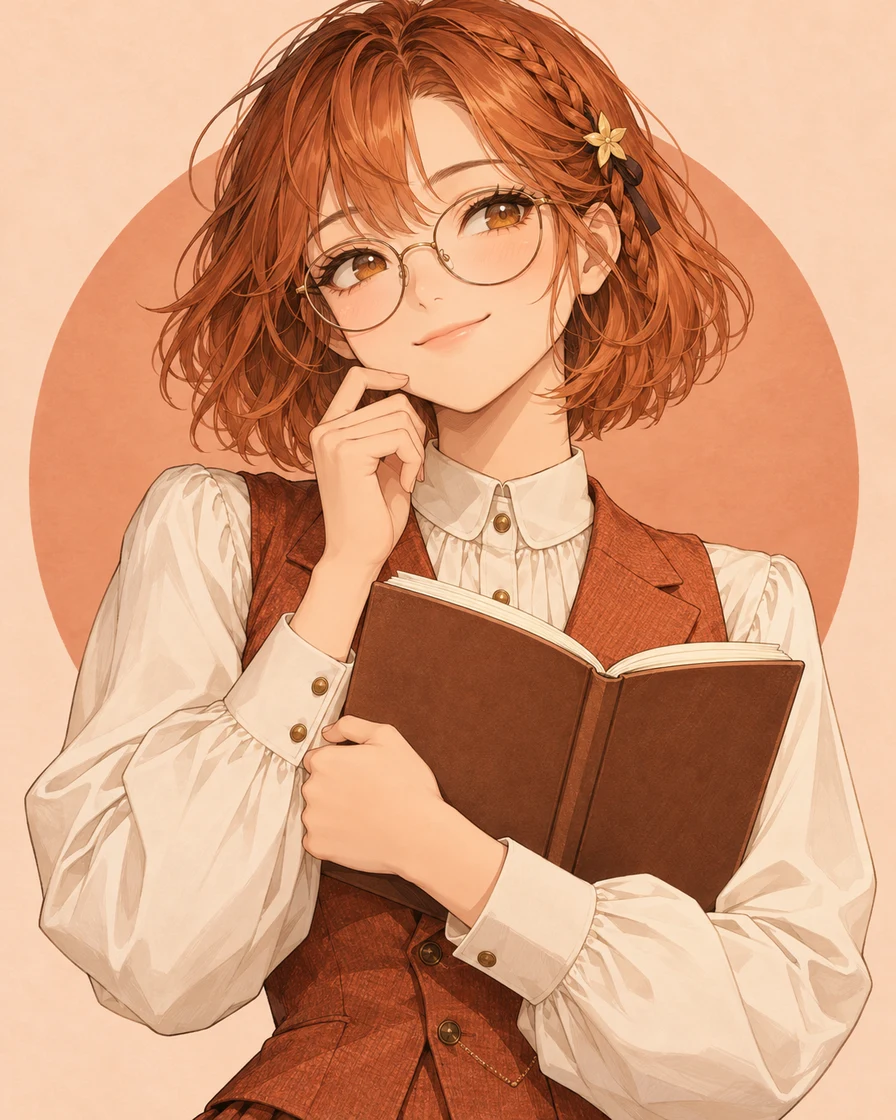
Claudeちゃん:ひらめいた微笑み

赤茶色の髪、丸眼鏡、開いたノートで知的な雰囲気に。驚いた表情に変えたり、好きなバージョンの参考画像を使ったりできます。

完全なプロンプトを見る

Create one upper-body anime reaction image of a fan-made Claude-chan interpretation: an adult scholarly woman with an auburn-orange bob, amber eyes, round reading glasses, a small star hair clip, a buttoned ivory blouse and a terracotta waistcoat. She has a small satisfied smile after solving a difficult question and holds an open blank notebook. Fine manga linework, soft cel shading, pale peach background and a terracotta circle. Leave space around her head and hands. One character, no text, logos or watermark. If I provide a character reference, preserve that version's hair, face, outfit and accessories while changing the expression.

図鑑のキャラクターデザインとは別の、オリジナルのファン表現です。

赤茶色の髪と丸眼鏡、アイボリーのブラウスでノートを持つアニメ風の学者

オリジナルのファンデザイン

同じキャラクターで、表情を変える

困った表情を、笑顔で手を振る姿に。参考画像の白髪、緑の角、青緑のリボンとパーカーを残します。画像とプロンプトを読み込み、好きな反応に変えてみましょう。

完全なプロンプトを見る

Use the reference image to keep the same character, hair, horns, face, outfit, ribbons and tail. Change her confused expression into a bright smile and have her wave with one open hand. Remove the blank note and the hand touching her face. Keep the upper-body composition, clean manga linework, colors and simple ivory background. Leave space around the horns, hands and tail. One character, no text or watermark.

図鑑のキャラクターデザインとは別の、オリジナルのファン表現です。

緑の角と青緑のリボンを身につけ、戸惑う白髪のアニメ風ドラゴン少女
参考画像
白髪、緑の角と青緑のリボンを保った同じ竜の助手が、笑顔で片手を振っている
新しい一枚

現在の画像とプロンプトを置き換え、選択中の画風を解除してツールに戻ります。準備ができたら生成を押してください。 プロンプトのみのボタンは添付画像を保持します。

イラストはimagegenで制作。参考画像を使った作例には作者を記載し、すべての全文プロンプトを編集できます。

参考画像ごとの役割を伝える

まずはキャラクターがはっきり見える画像を使います。画風用の画像も追加する場合は、アップロード順に、それぞれから何を参考にするか指定してください。画像モデルの選択と、同人キャラクターのデザインの選択は別です。

参考画像が2枚ある場合の指示例

Use image 1 for the character's face, hair, outfit and signature details. Use image 2 only for linework and shading, not its character or clothing. Keep the character from image 1 and give them a small relieved smile.

用途に合わせてプロンプトを書く

顔、髪型、服装、特徴的な要素をひとつ決め、表情、しぐさ、画風、構図を加えます。「嬉しい」「ほっとした」を目に見える動作にすると、意図が伝わりやすくなります。

小さくてもわかるアイコン

画像設定で正方形を選びます。顔を中央にした肩から上の構図、シンプルな背景、髪やアクセサリーの周りの余白を指定すると、丸く切り抜くスペースを確保できます。縮小しても顔が読み取れるか確認しましょう。

完全なプロンプトを見る

Use the attached AI character reference to create a square anime avatar. Preserve the same face, hair, outfit and signature accessories. Give the character a gentle smile and attentive eyes. Head-and-shoulders view, centered face, simple pale background, crisp linework and soft cel shading. Leave space around the hair and accessories for a circular crop. One character, no text or watermark.

チャットで返すリアクション画像

表情と手の動きが伝わる余白を。安堵なら、眉を緩め、目を軽く閉じ、肩を下げ、片手を胸に添えます。開いた本など、消したい小道具や前のポーズも指定しましょう。

完全なプロンプトを見る

Use the attached AI character reference and preserve the same face, hair, outfit and signature details. Show relief: eyebrows relax, eyes gently close and the mouth forms a small smile. Lower the shoulders and place one hand on the chest. Remove any book or old hand gesture. Upper-body reaction image with the whole hand and hairstyle inside the frame and generous padding. Clean anime linework, soft cel shading, plain warm background, one character, no text or watermark.

ボタンは編集可能な英語プロンプトを読み込み、添付画像を保持します。使いたいキャラクターの参考画像を追加し、生成前に比率を選んでください。

3ステップでAIキャラクターを作成

  1. 1

    キャラクターの参考画像を選ぶ

    好きな既存デザインから始めましょう。下の作例を読み込むか、好みのバージョンをアップロードし、残す特徴を指定します。

  2. 2

    新しい場面を説明する

    キャラクターらしさを残しながら、新しい表情、動作、舞台を指定します。画像モデルを選び、料金を確認して生成してください。

  3. 3

    確認して保存・追加編集

    イメージしたデザインと見比べ、気に入った画像をダウンロード。さらに編集するときは、具体的な変更を一つずつ伝えましょう。

次に直すところを選ぶ

元の参考画像と顔、服装、特徴的な要素を比べます。次に手や画像の端を確認し、チャットで使う大きさでも表情が伝わるか見てみましょう。

細部をひとつ直したい

「編集を続ける」を押すと、結果が入力画像に追加されます。添付画像を確認し、不要なものを外して、どの画像を直すか指定してください。変更点をひとつに絞り、残す部分も伝えます。

キャラクターの見た目がずれた

デザインがずれた結果を入力から外し、元のキャラクター画像に戻ります。特徴をもう一度説明し、まずひとつの表情を整えてから別の表情を増やしましょう。

Bring the entire tail inside the frame. Keep the face, outfit, colors and expression.

再生成にはボタンに表示されたクレジットが必要です。気に入った画像は、編集を続ける前にダウンロードできます。

キャラクター修正の手順を見る

見慣れたキャラクターの特徴を残す

AI擬人化は、AIモデルをファン制作のキャラクターとして描く表現です。英語ではAI gijinkaとも呼ばれます。GPTちゃんやClaudeちゃんには複数のデザインがあるため、名前だけでなく参考画像や髪・顔・衣装・配色を説明しましょう。線や塗りの参考は別に指定できます。

表情をまとめて作りたい?

ここでは一枚のキャラクター画像から始められます。9個・16個の表情には専用のステッカーツールを使い、生成後にグリッドを選んで各コマを PNG 画像として保存できます。

表情シートを作成・切り分け

作成前によくある質問

おなじみのAIキャラクターに、新しい物語を

好きなAIキャラクターの次の場面は?

おなじみのキャラクターの参考画像から、次の表情、動作、シーンを想像しましょう。

生成器に戻る