익숙한 AI 캐릭터를 새로운 장면으로 옮겨 보세요. GPT짱, Claude짱 등 좋아하는 캐릭터의 참고 이미지를 사용하고 새로운 표정, 동작, 장면을 설명하세요.
텍스트만으로도 생성할 수 있습니다. 참고 이미지와 화풍은 선택 사항이며 생성 전에 모델과 크레딧 비용을 확인할 수 있습니다.
익숙한 캐릭터로, 보고 싶었던 장면을
참고 이미지로 만든 장면 3개와 오리지널 팬 예시 3개입니다. 익숙한 디자인을 유지하거나 다른 해석을 탐색하고 표정, 동작, 배경을 바꿔 보세요.
캐릭터 참고 이미지 → 새 그림
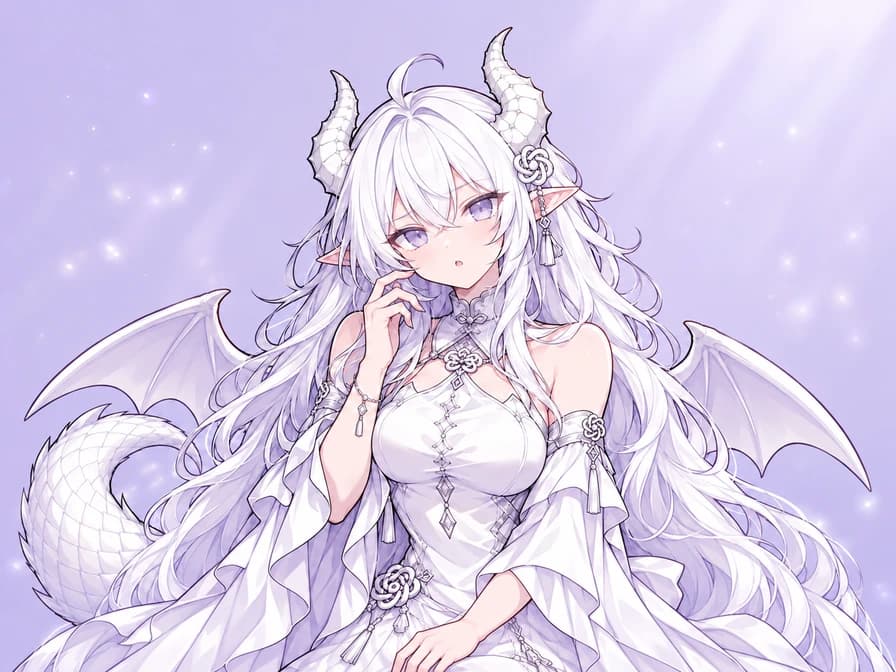
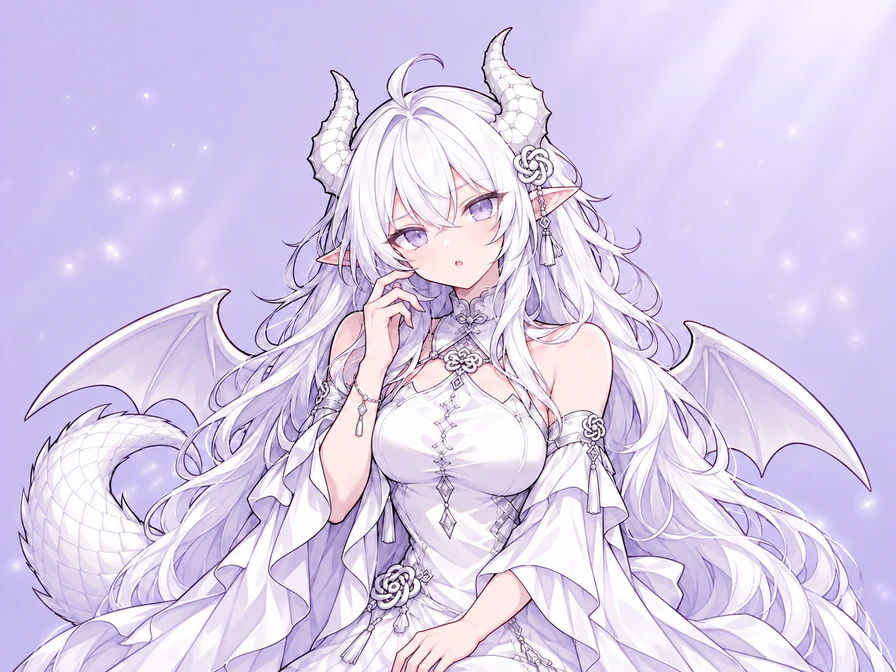
GPT짱: 응, 무슨 뜻이야?
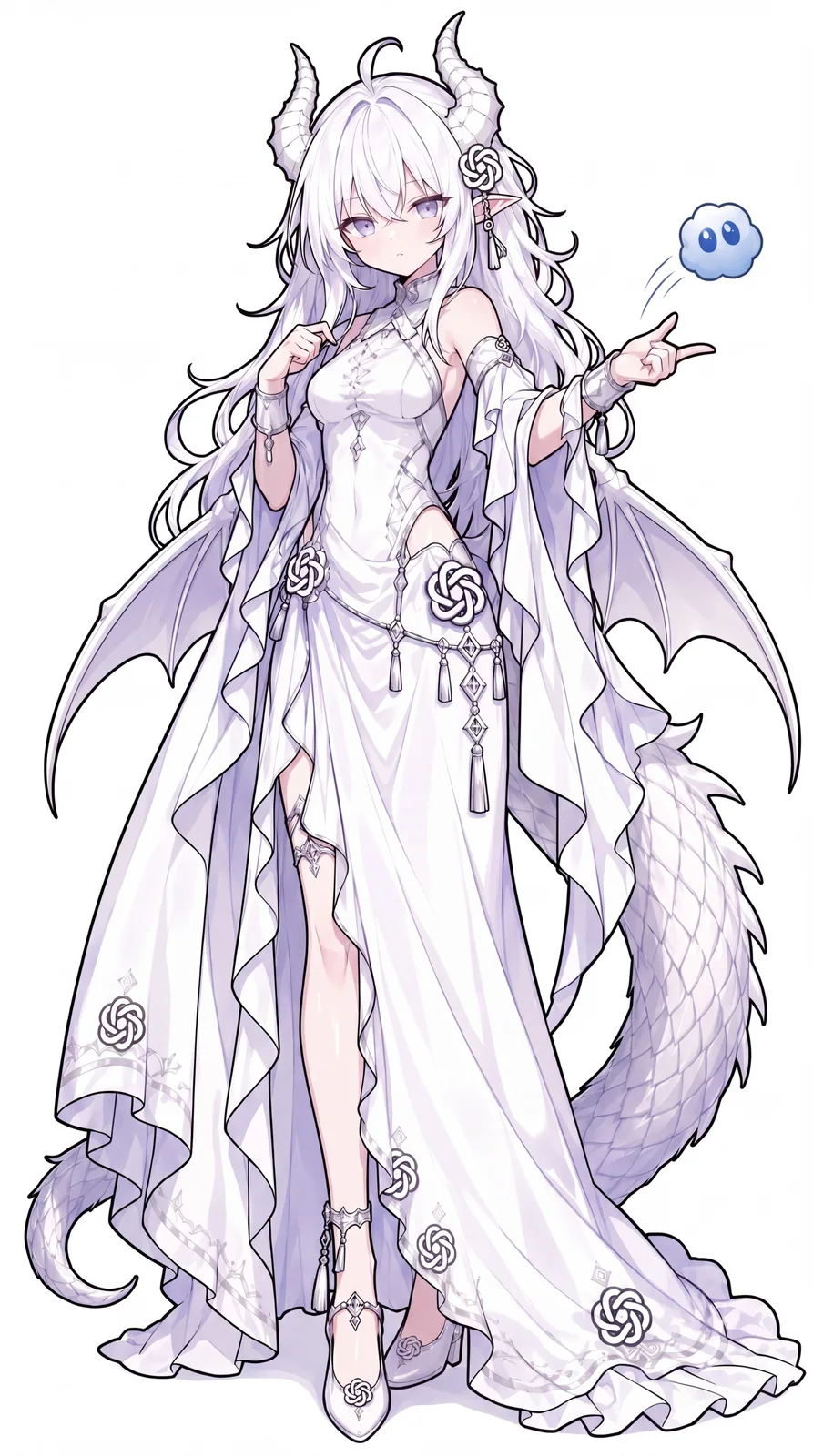
흰 머리, 드래곤 뿔, 연보라 의상은 유지하세요. 차분한 포즈 대신 한쪽 눈썹을 올리고 손을 볼 옆에 둔 당황한 표정을 만듭니다.
전체 프롬프트 보기
Use the attached GPT-chan reference for the same character: long white hair, lavender eyes, white dragon horns, pointed ears, white and lilac dress, knot ornaments, dragon wings and tail. Create a confused upper-body reaction with one raised eyebrow, a small open mouth and one hand near her cheek. Keep the face, outfit and signature details recognizable. Clean anime linework and soft cel shading, simple pale lavender background, landscape 4:3 framing with space around the horns and hand. One character, no text or watermark.
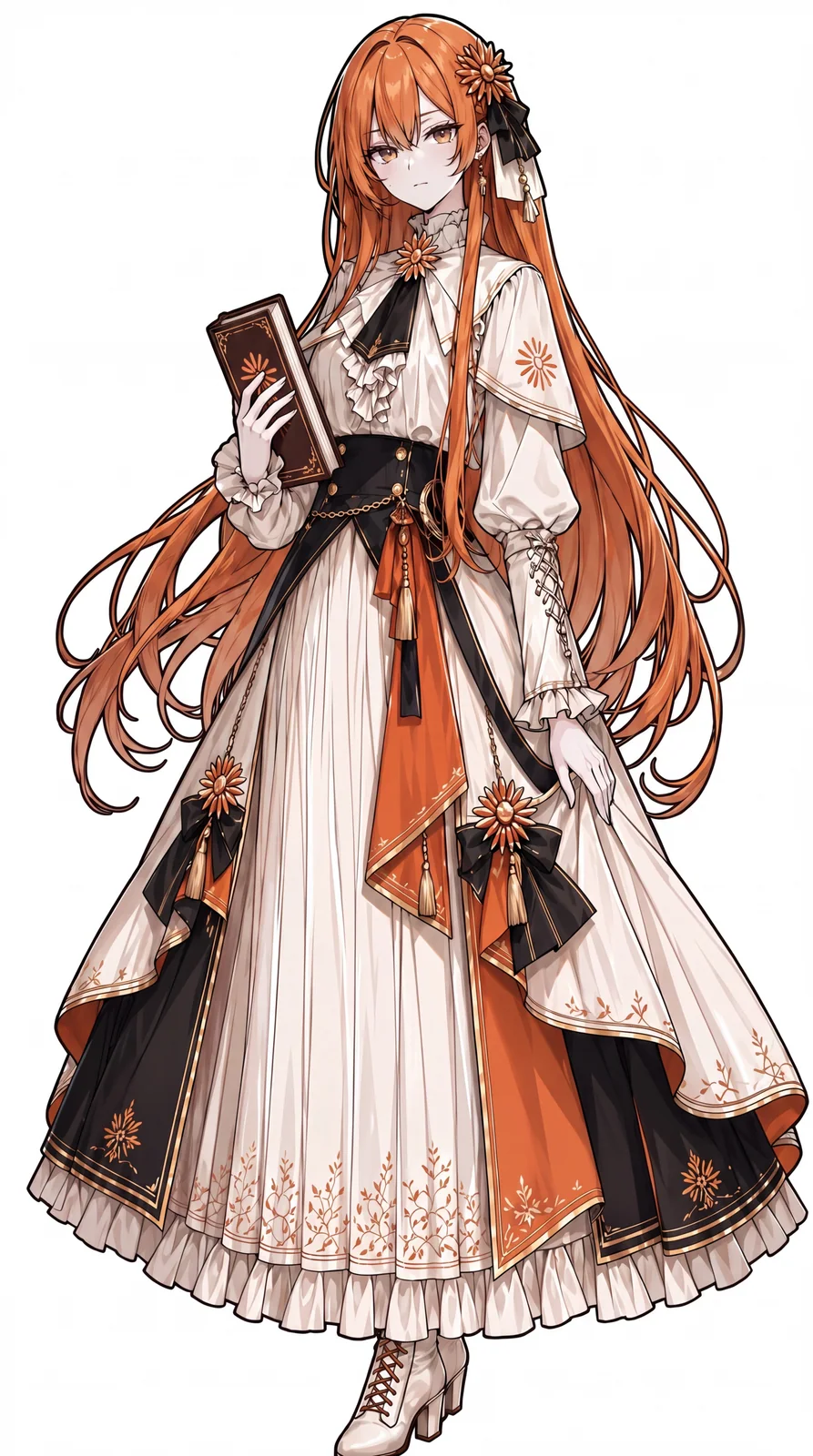
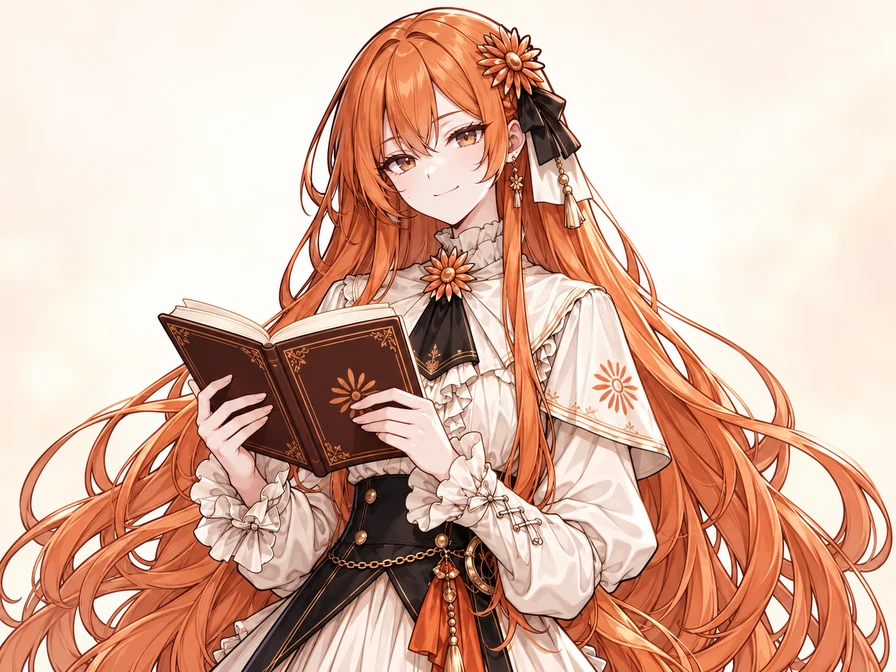
긴 주황색 머리, 꽃 장식, 섬세한 드레스는 그대로. 어려운 문제를 푼 뒤 펼친 책을 들고 만족스럽게 미소 짓게 해 보세요.
전체 프롬프트 보기
Use the attached Claude-chan reference for the same character. Preserve her long copper-orange hair, amber eyes, flower hair ornament, black and ivory ribbons, earrings, ivory ruffled dress, black bodice, orange accents and shoulder cape. Give her a small satisfied smile after solving a difficult question, holding an open book at chest height. Keep her face and outfit recognizable; do not add glasses or shorten her hair. Fine anime linework, soft cel shading, simple warm ivory background, landscape 4:3 upper-body composition with room around her head and hands. One character, no readable text or watermark.
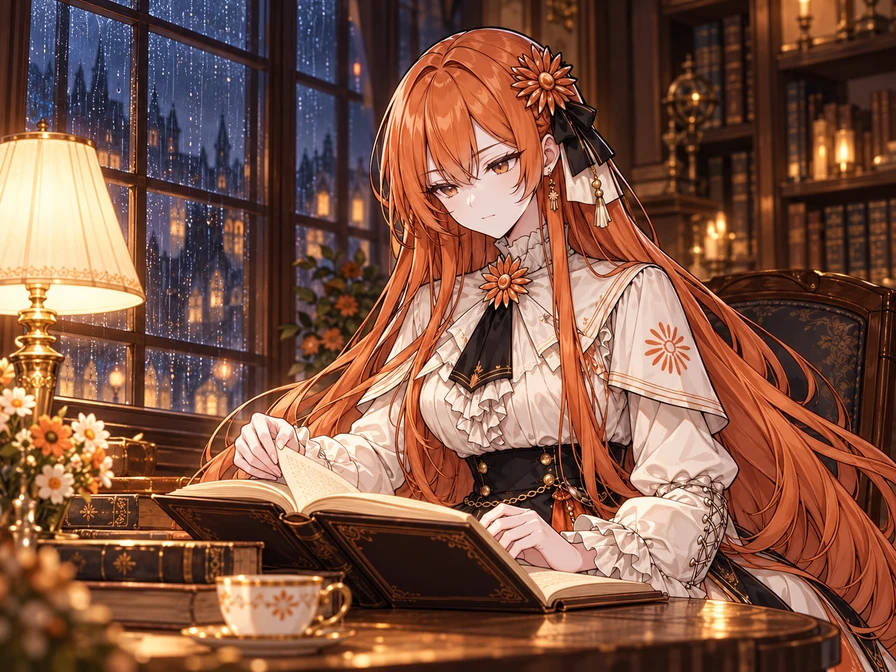
캐릭터를 이야기 속으로 옮겨 보세요. 비 내리는 창가, 펼친 책과 따뜻한 독서등. 얼굴, 머리 장식, 의상을 유지하면서 새 장소를 구체적으로 설명합니다.
전체 프롬프트 보기
Use the attached Claude-chan image as the character reference. Keep her long copper-orange hair, amber eyes, orange flower hair ornament with black and ivory ribbons, earrings, ivory ruffled dress, black bodice, orange and gold accents, and small shoulder cape. Place her at a wooden table beside a rain-streaked library window at night, quietly reading an open book and turning one page. Warm reading lamp, softly blurred bookshelves and a blue-gray rainy night outside. Preserve her face, outfit and anime linework; do not add glasses or shorten her hair. Landscape 4:3 waist-up story illustration, with the whole head and visible hands inside the frame. One character, no readable text or watermark.
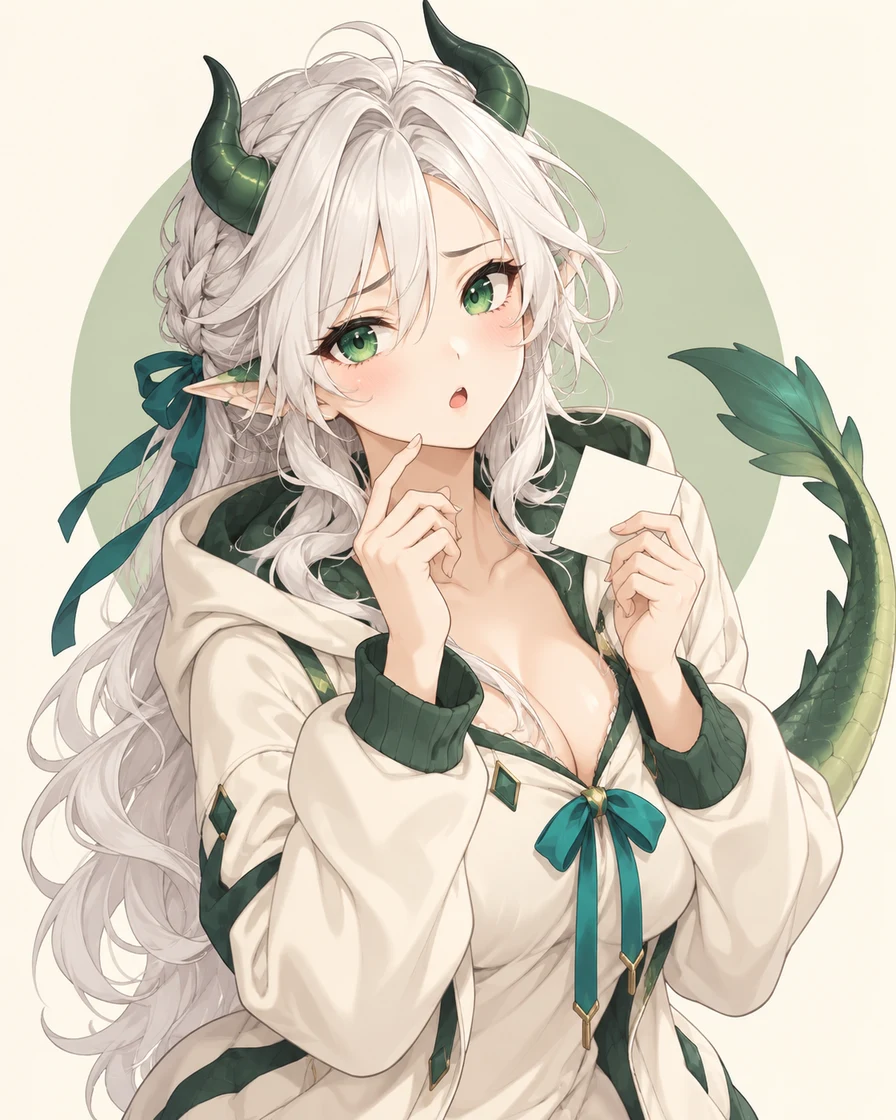
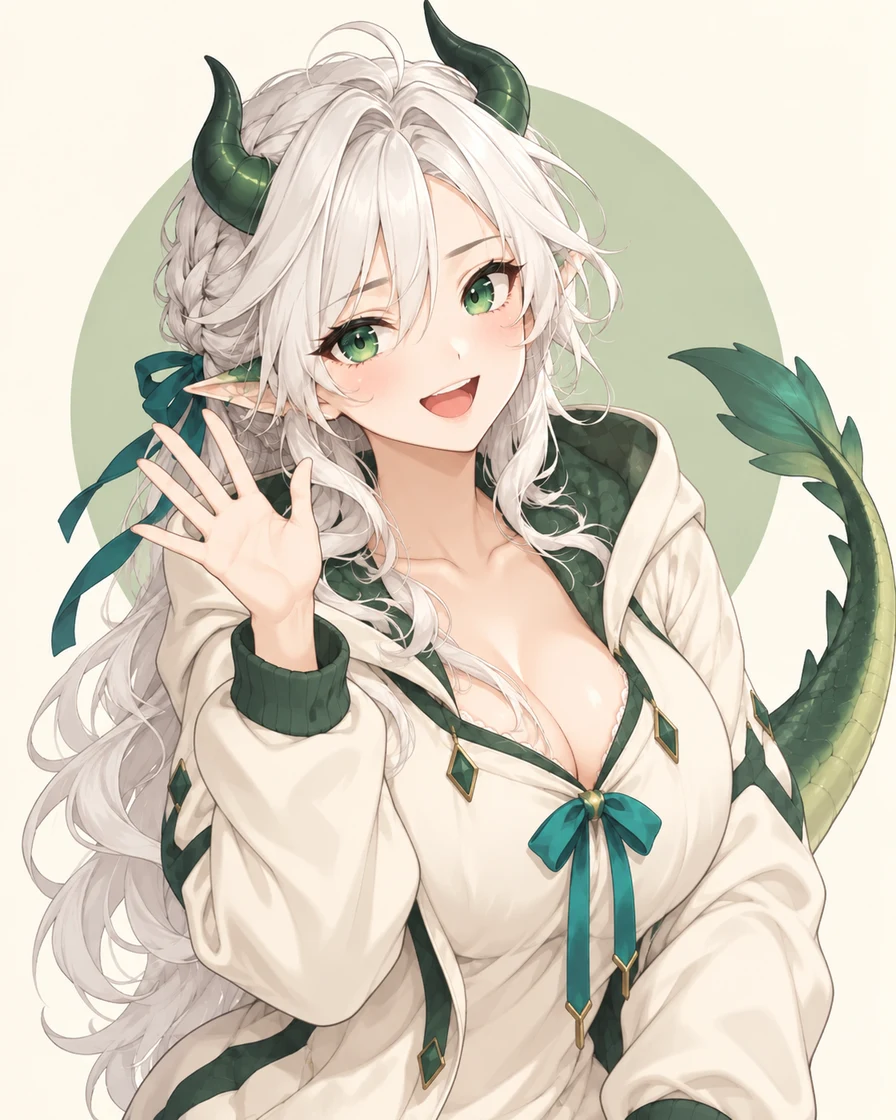
Create one upper-body anime reaction image of a fan-made GPT-chan interpretation: an adult white-haired dragon woman with emerald eyes, small dark-green horns, a cream hoodie with green trim, a teal ribbon and a green dragon tail. She looks confused but endearing, with one raised eyebrow, a small open mouth, one hand near her face and a tiny blank note in the other. Fine manga linework, delicate cel shading, warm ivory background and a soft sage circle. Keep the horns, hands and tail tip inside the image with generous padding. One character, no text, logos or watermark. If I provide a character reference, use its appearance and outfit instead of inventing a different version.
도감의 캐릭터 디자인과 별도로 만든 오리지널 팬 해석입니다.
오리지널 팬 디자인
Claude짱: 조용한 깨달음
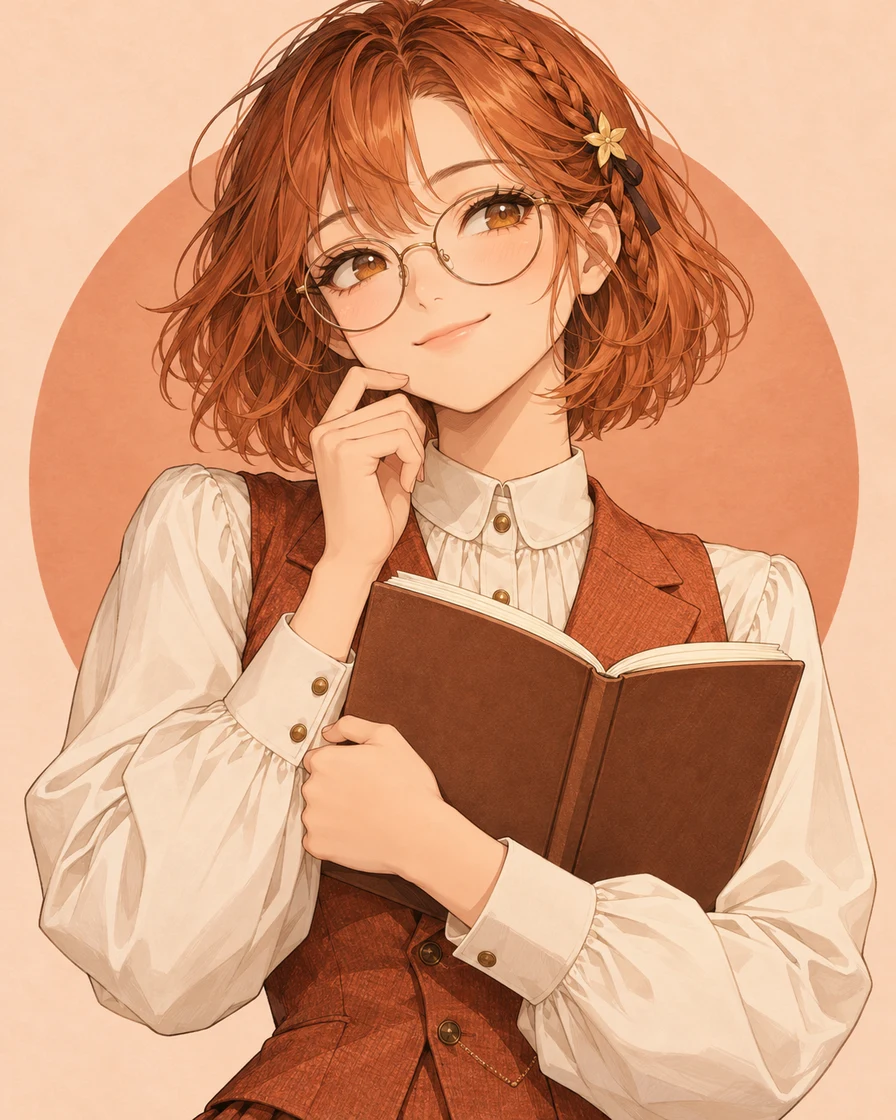
적갈색 머리, 둥근 안경과 펼친 노트가 학자 같은 분위기를 만듭니다. 놀란 표정으로 바꾸거나 좋아하는 버전을 참고로 사용해 보세요.
Create one upper-body anime reaction image of a fan-made Claude-chan interpretation: an adult scholarly woman with an auburn-orange bob, amber eyes, round reading glasses, a small star hair clip, a buttoned ivory blouse and a terracotta waistcoat. She has a small satisfied smile after solving a difficult question and holds an open blank notebook. Fine manga linework, soft cel shading, pale peach background and a terracotta circle. Leave space around her head and hands. One character, no text, logos or watermark. If I provide a character reference, preserve that version's hair, face, outfit and accessories while changing the expression.
도감의 캐릭터 디자인과 별도로 만든 오리지널 팬 해석입니다.
오리지널 팬 디자인
같은 캐릭터로 표정만 바꾸기
어리둥절한 표정을 밝게 웃으며 손을 흔드는 모습으로 바꿔 보세요. 참고 이미지의 흰 머리, 초록 뿔, 청록 리본과 후드티는 유지합니다. 이미지와 프롬프트를 불러와 원하는 반응으로 바꿔 보세요.
전체 프롬프트 보기
Use the reference image to keep the same character, hair, horns, face, outfit, ribbons and tail. Change her confused expression into a bright smile and have her wave with one open hand. Remove the blank note and the hand touching her face. Keep the upper-body composition, clean manga linework, colors and simple ivory background. Leave space around the horns, hands and tail. One character, no text or watermark.
도감의 캐릭터 디자인과 별도로 만든 오리지널 팬 해석입니다.
참고 이미지새 그림
현재 이미지와 프롬프트를 교체하고 선택한 화풍을 해제한 뒤 도구로 돌아갑니다. 준비되면 생성 버튼을 누르세요. 프롬프트만 불러오는 버튼은 첨부 이미지를 유지합니다.
그림은 imagegen으로 제작했습니다. 참고 이미지를 사용한 예시에는 작가를 표시했으며 전체 프롬프트를 수정할 수 있습니다.
참고 이미지마다 역할을 정하세요
먼저 캐릭터가 선명하게 보이는 이미지를 사용하세요. 화풍용 이미지를 추가한다면 업로드 순서에 따라 각 이미지에서 참고할 부분을 적으세요. 이미지 모델 선택과 팬 캐릭터의 디자인 선택은 별개입니다.
참고 이미지 두 장을 사용하는 지시문 예시
Use image 1 for the character's face, hair, outfit and signature details. Use image 2 only for linework and shading, not its character or clothing. Keep the character from image 1 and give them a small relieved smile.
이미지의 용도에 맞게 프롬프트 쓰기
얼굴, 머리 모양, 의상과 상징적인 특징 하나를 정한 다음 표정, 손짓, 화풍과 구도를 더하세요. “기쁨”이나 “안도감”을 눈에 보이는 동작으로 설명하면 더 구체적으로 전달할 수 있습니다.
작아도 알아볼 수 있는 프로필 이미지
이미지 설정에서 정사각형 비율을 고르세요. 얼굴이 중앙에 오는 어깨 위 구도, 단순한 배경, 원형으로 자를 때 필요한 머리와 장식 주변 여백을 요청하세요. 작게 줄여도 얼굴이 잘 보이는지 확인하세요.
전체 프롬프트 보기
Use the attached AI character reference to create a square anime avatar. Preserve the same face, hair, outfit and signature accessories. Give the character a gentle smile and attentive eyes. Head-and-shoulders view, centered face, simple pale background, crisp linework and soft cel shading. Leave space around the hair and accessories for a circular crop. One character, no text or watermark.
표정과 손동작에 공간을 주세요. 안도감은 편안한 눈썹, 살짝 감은 눈, 내려간 어깨, 가슴 위의 한 손으로 표현할 수 있습니다. 펼친 책처럼 지울 소품이나 기존 동작도 적으세요.
전체 프롬프트 보기
Use the attached AI character reference and preserve the same face, hair, outfit and signature details. Show relief: eyebrows relax, eyes gently close and the mouth forms a small smile. Lower the shoulders and place one hand on the chest. Remove any book or old hand gesture. Upper-body reaction image with the whole hand and hairstyle inside the frame and generous padding. Clean anime linework, soft cel shading, plain warm background, one character, no text or watermark.
AI 의인화는 AI 모델을 팬 캐릭터로 표현하는 창작으로, AI gijinka라고도 합니다. GPT짱과 Claude짱에는 여러 디자인이 있습니다. 이름만 쓰기보다 참고 이미지와 머리, 얼굴, 의상, 색상 및 특징을 설명하세요. 선과 채색을 위한 화풍 참고는 따로 지정할 수 있습니다.