

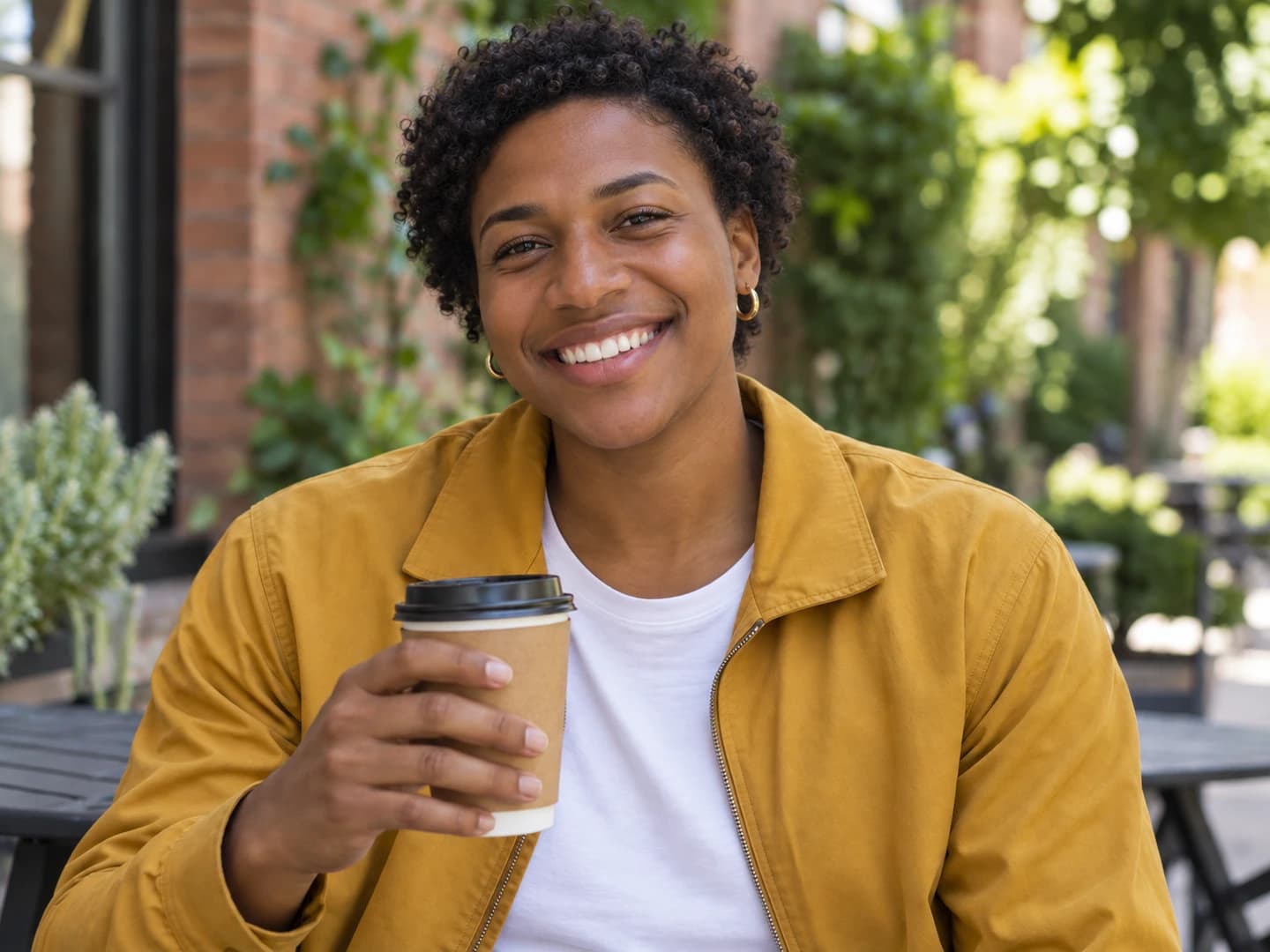
Male to female gender swap
Try a feminine version of a casual portrait. In this example, the smile, yellow jacket and coffee cup carry through, while the face and hair change.
Loads the original photo and direction. Click Generate when you're ready.
What would you look like as another gender? Upload a selfie, choose a direction, and turn your photo into a realistic feminine or masculine version of you.
3 free credits per week. No account required. Paid settings use paid credits.

 BeforeAfter
Off duty at a midnight diner. The silver suit, strawberry shake and neon glow stay; meet the astronaut's other self. Move across the photo or drag to compare.
Loads the original photo and direction. Click Generate when you're ready.
Start with a single-person photo. These examples show the kind of change to ask for: a new gender presentation with a familiar expression, outfit and setting.
Try a feminine version of a casual portrait. In this example, the smile, yellow jacket and coffee cup carry through, while the face and hair change.
Loads the original photo and direction. Click Generate when you're ready.
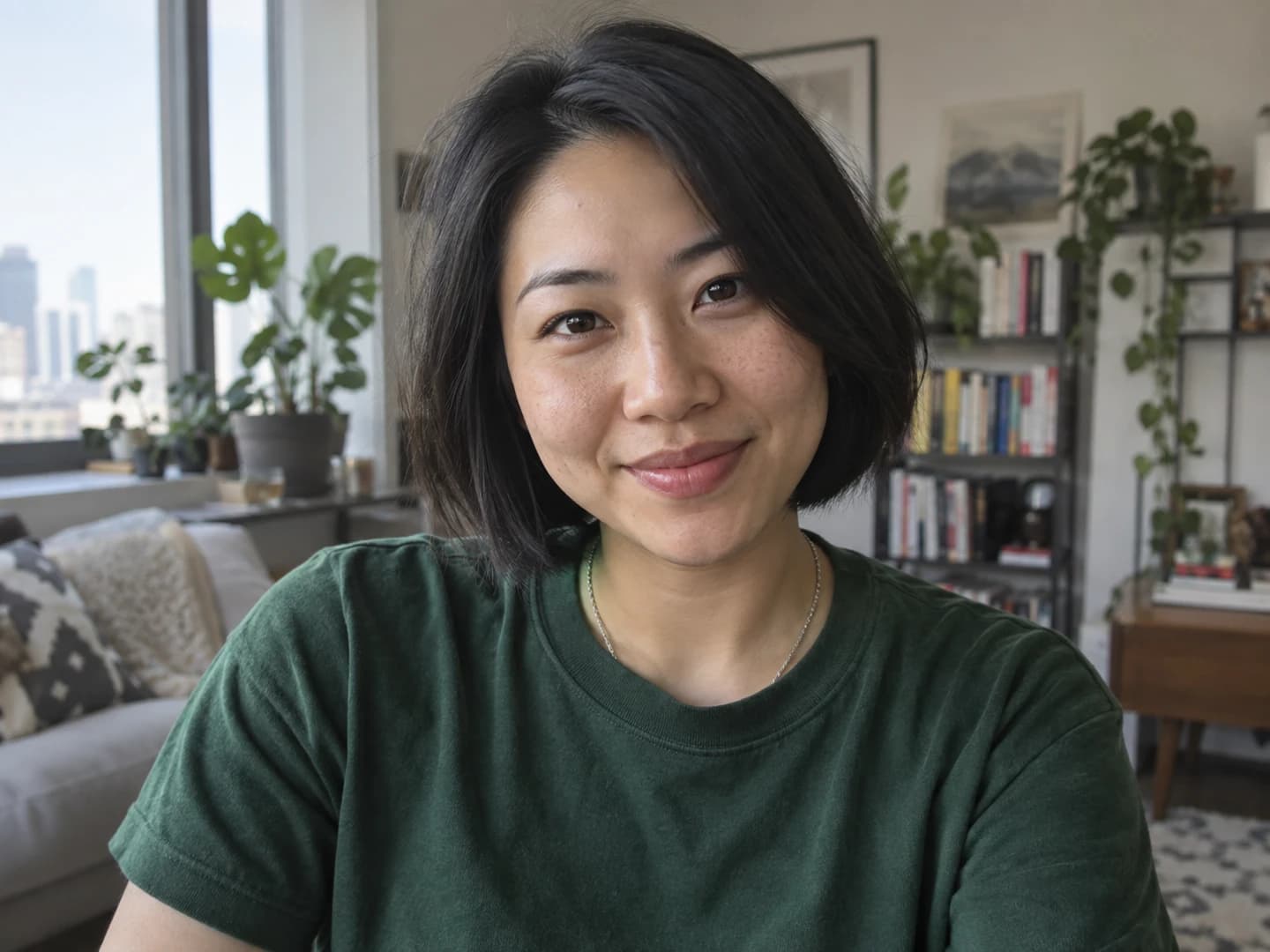
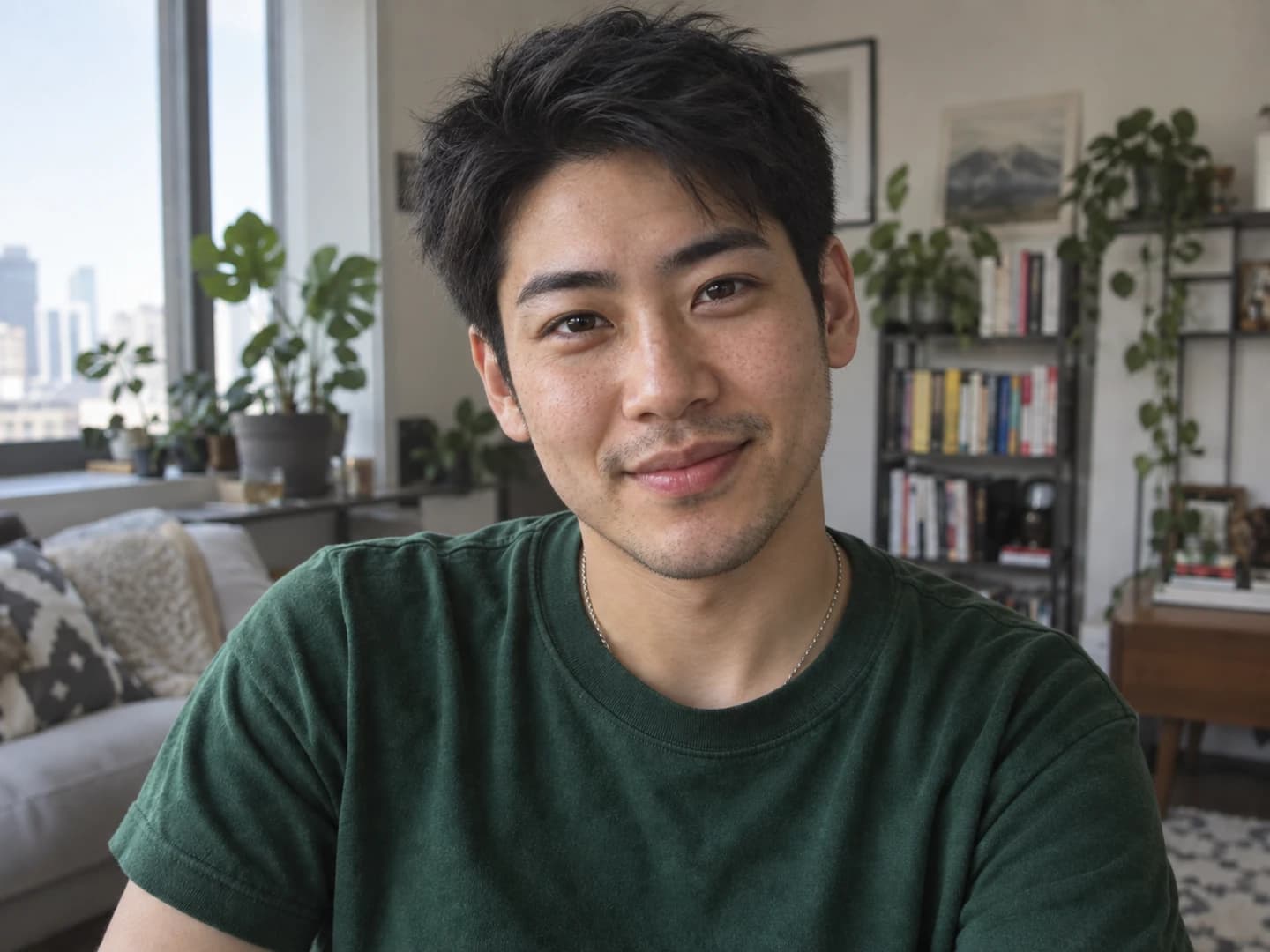
Explore a masculine version of a selfie. Here, a stronger jaw, textured short hair and light stubble accompany the same green T-shirt and apartment setting.
Loads the original photo and direction. Click Generate when you're ready.
Make an alternate profile picture, compare a look you're curious about, or share a before-and-after reveal. These controls help you shape the portrait around your own photo.
Choose a selfie or portrait with one face, even lighting and enough room around the head. JPG, PNG and WebP work. Use your own photo or one you have permission to edit.
Select Male to female or Female to male. The filter supplies a realistic photo-editing instruction for you. Open Edit instructions to ask for a particular hairstyle or change what stays the same.
Check the credit cost on the button, then generate. Compare the portrait with your original and download it. Continue editing lets you use the result as an input for another change.
Use a sharp, front-facing or slightly turned portrait. Avoid tiny faces, sunglasses, hands over the face and tightly cropped hair. Crop a group photo to one person before uploading.
The starting instruction asks to retain your expression, skin tone, age, pose, clothing, lighting and background. It asks for natural skin texture rather than a beauty makeover. Review the result: AI can still change details.
Want the same haircut, no facial hair or less makeup? Add that to the editable instruction. A specific request is easier to judge than asking for a completely different look all at once.
Choose your direction first, then open Edit instructions and add a line to the supplied instruction. Keep the main gender swap request and describe the detail you want to change or retain.
To refine a generated portrait, select Continue editing before making the next request. Each new generation uses credits. Selecting a direction again replaces your edited instruction.
The main generator supports custom prompts, character artwork, optional reference images and different art styles.
Open the Gender Swap AI generator