
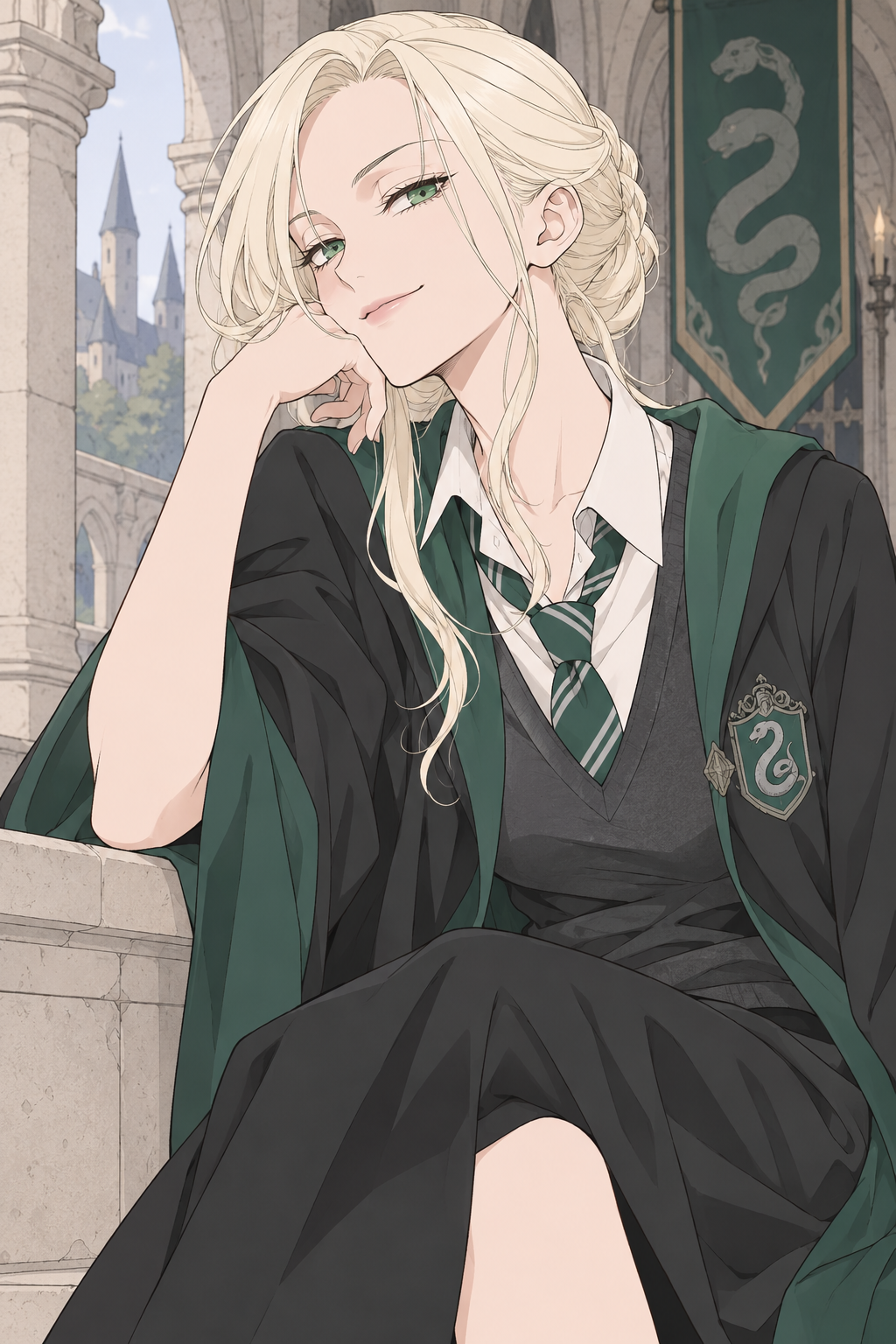
Soft manga color
Pale colors, fine lines and a teasing smile.
Create your own female Draco Malfoy fan art. Choose a manga or painterly example, then change her expression, outfit or scene. The complete prompt is yours to edit. No photo needed.
3 free credits per week with GPT Image 2 Low. No sign-up required.
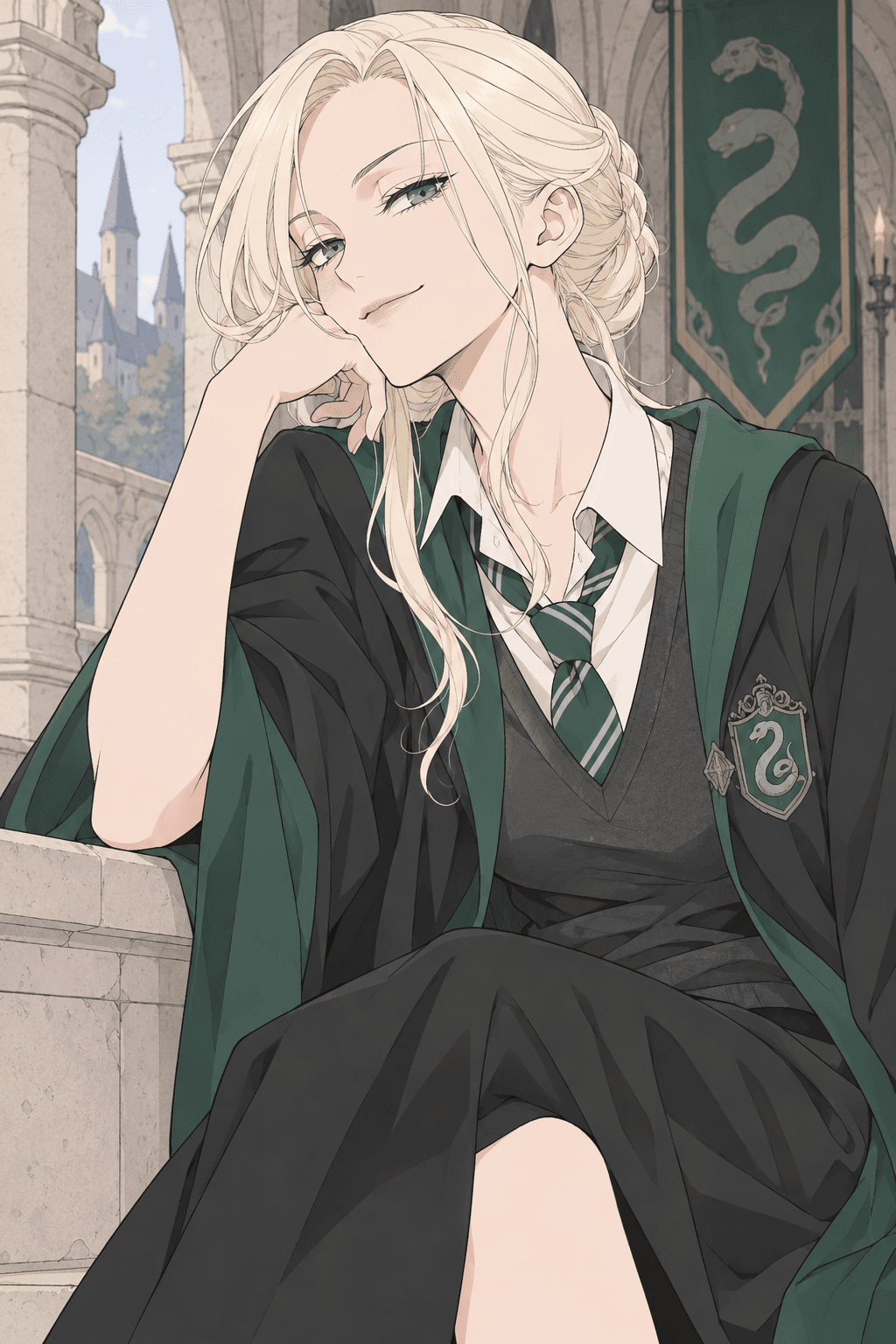
A starting point for your Malfoid
Soft manga example. Your image will appear here after you generate.
Start with one of these four examples. Load its complete prompt, change the details you want, then generate your own version.
Pale colors, fine lines and a teasing smile.
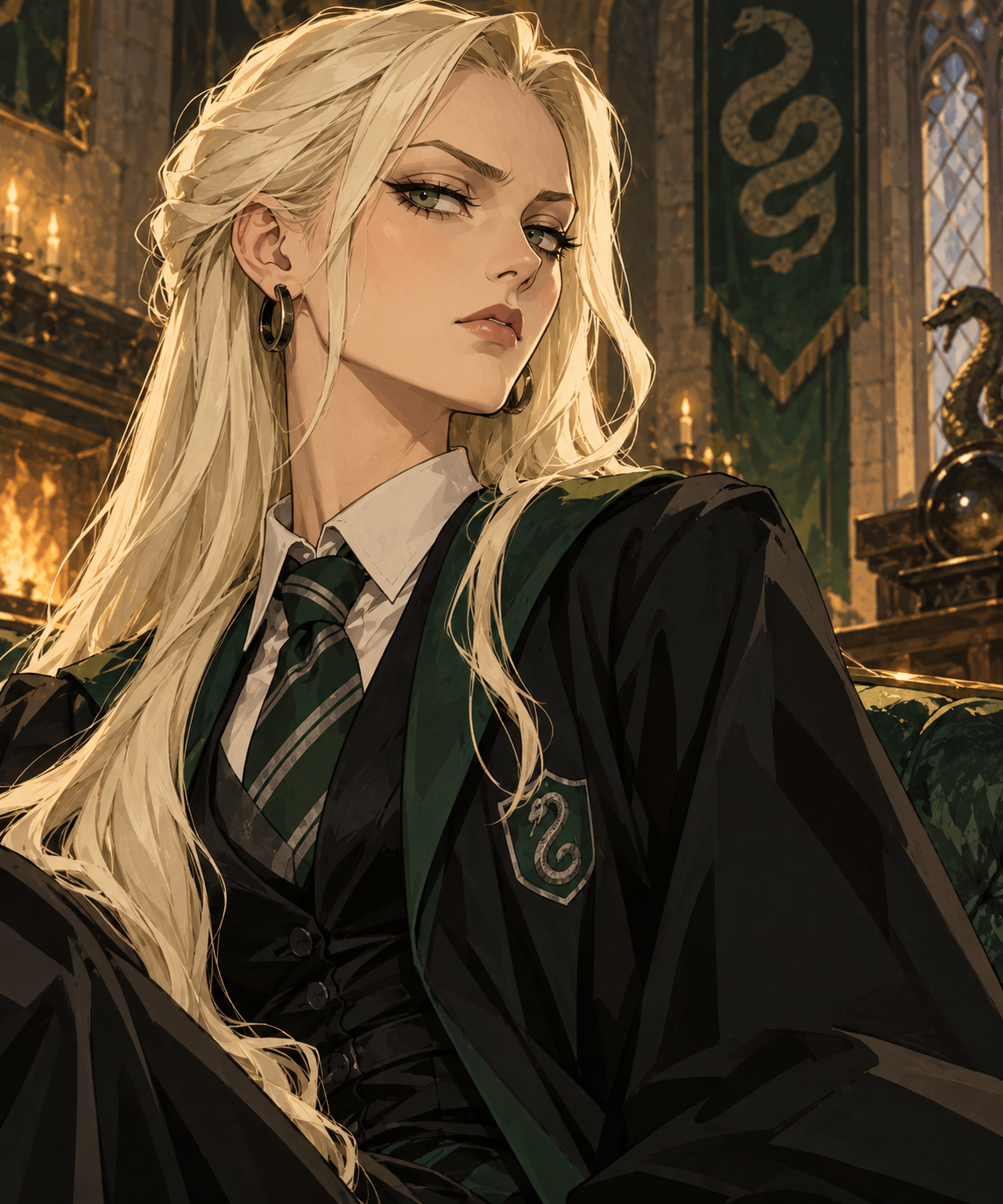
Warm tones, brush texture and a proud expression.
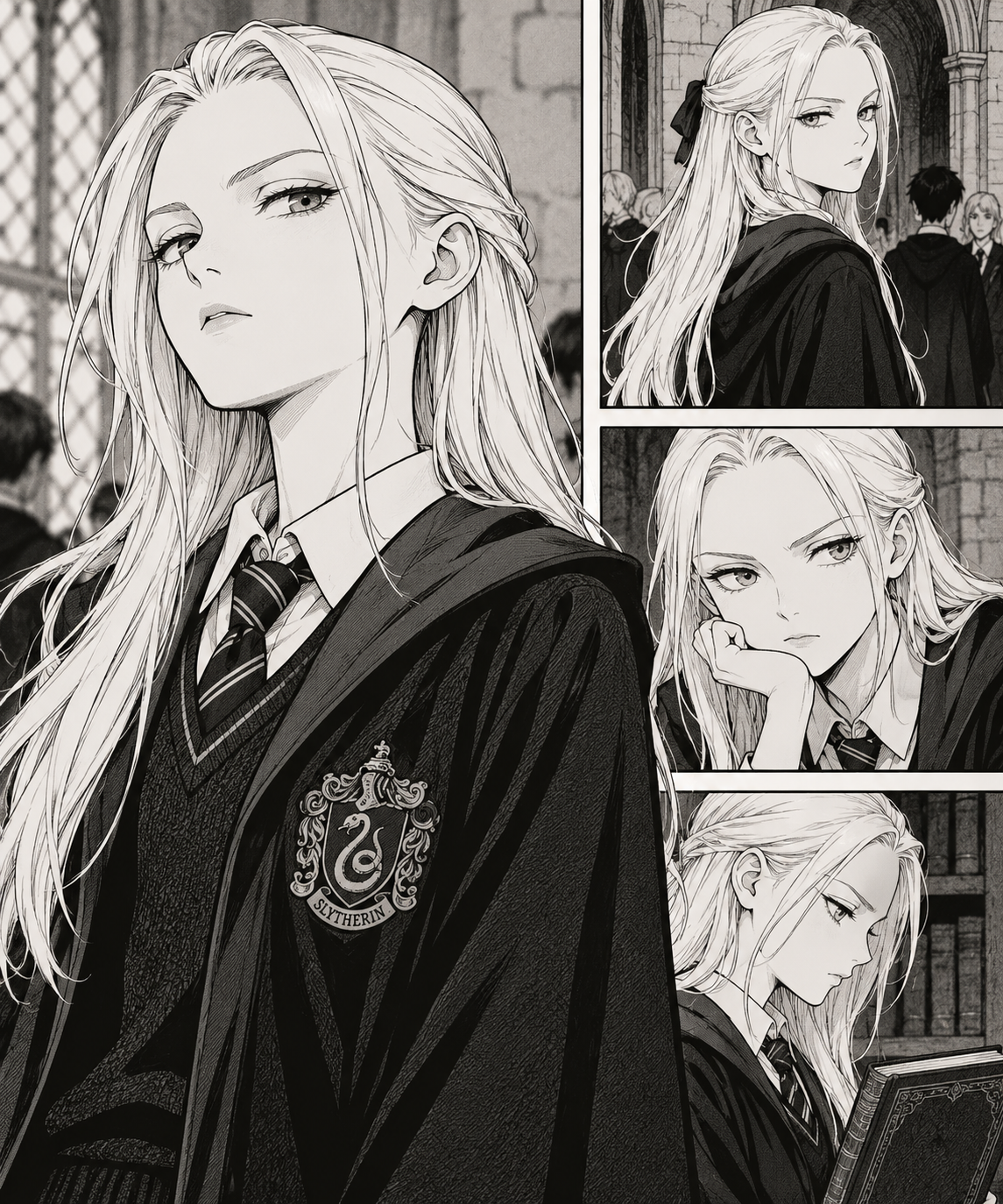
Ink lines, expressive faces and a monochrome finish.
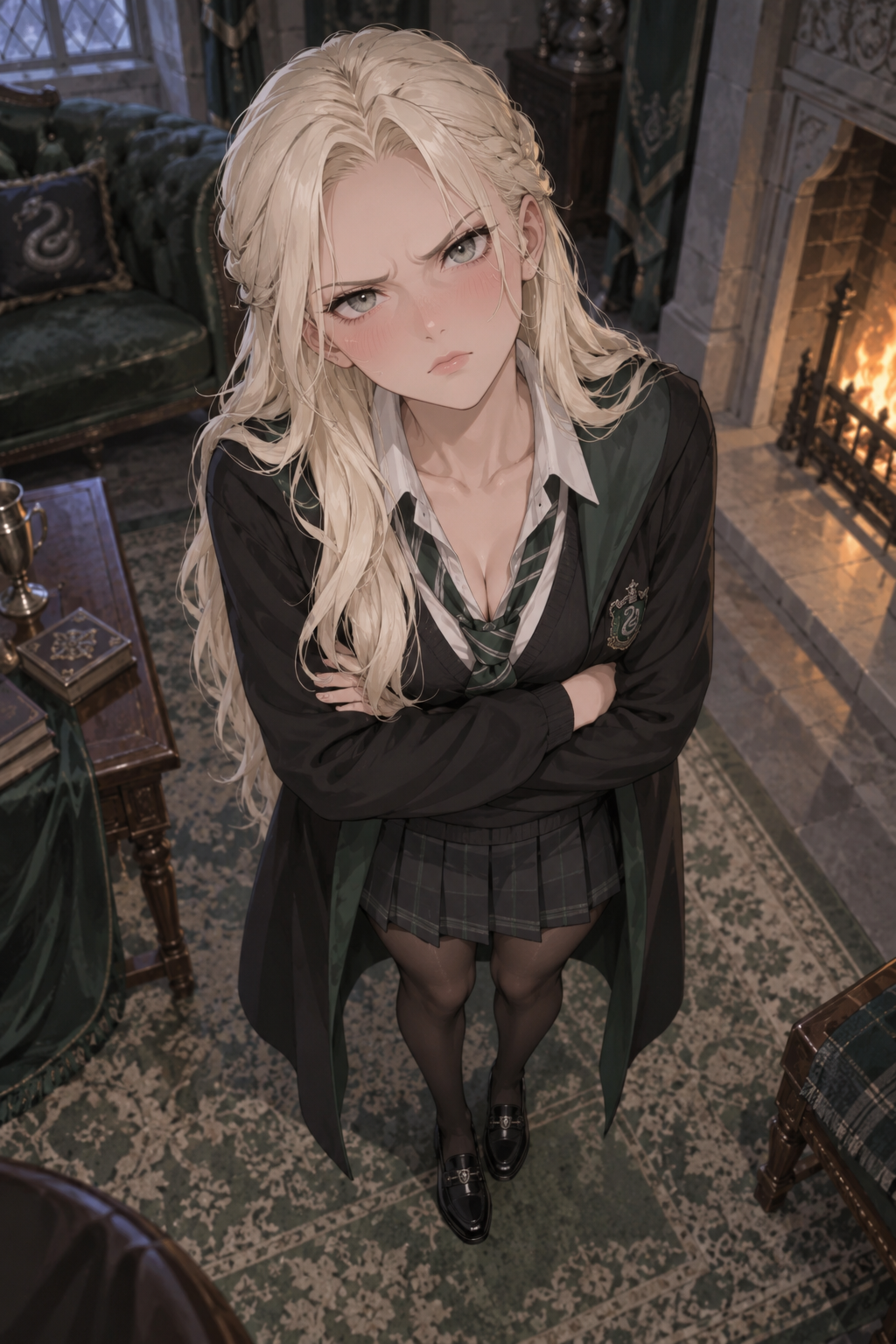
She looks up at you, blushing and a little annoyed.
Platinum-blonde hair, a proud expression and a hint of Slytherin make her recognizable. You decide the rest, from a quiet library portrait to your own alternate universe.
What does Malfoid mean?Use the prefilled soft manga prompt, or pick another example. The full prompt stays visible and editable.
Change her hairstyle, expression, clothes or setting. Add a reference image if you want to guide the design. If the prompt already describes a drawing style, leave the optional Style setting on No style.
Check the model and credit cost, then generate. Download the result or use Continue editing to add it as a reference for your next request.
Keep the details you love. Write the scene you want to see.